
The termination workflow enables you to reflect this cancellation by selecting a specific instrument or account and cancelling all grants associated with it.
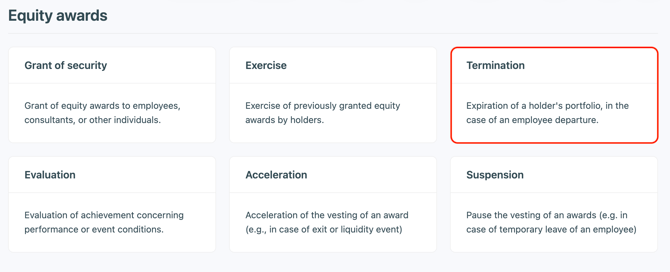
① Add a termination transaction and select the instrument or accounts concerned by the cancellation
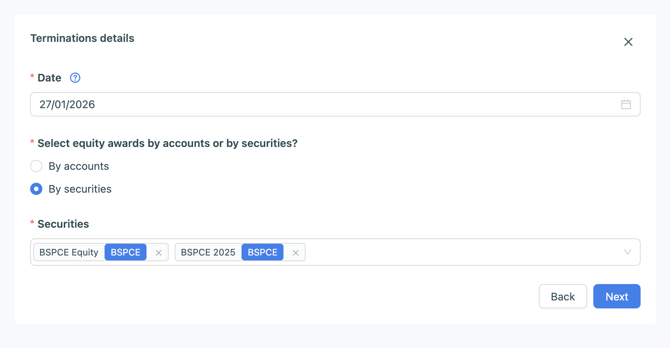
② Configure the termination
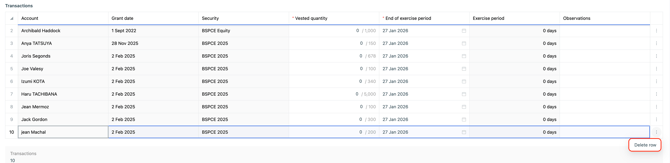
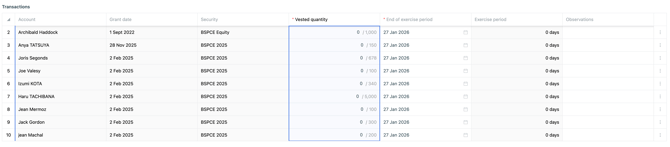
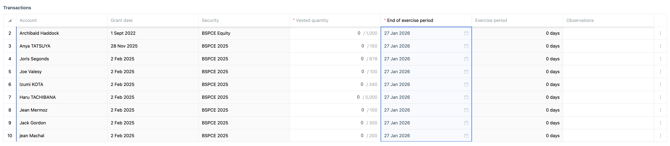
🧠 Reminder: operation configuration workflows behave like Excel, so you can update the first row and then copy/drag it down to apply the same information to the following rows.
⚠️ For performance reasons, the application only allows a maximum of 80 transactions per batch. If the grants to be cancelled exceed 80 lines, you will need to repeat the operation several times.
Example: you want to cancel the grants for a SO 2021 instrument and a SO 2022 instrument. There are 150 grants in total. The termination workflow will automatically select 80 transactions for the first cancellation wave, then select the remaining 50 transactions when you run the second wave.
③ Add documents related to the transaction (optional)
If no document requires a signature, simply click Next at the signature step.
④ Choose whether or not to notify the individuals concerned by the transaction
⑤ Create a new event / link to an existing event