
① An error message asks you to contact your administrator.
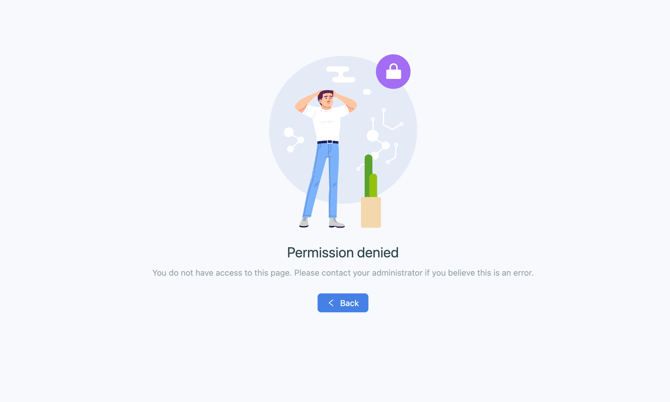
If this message appears, it means you do not have permission to access your account. Either your access has been removed, or you have not been invited to log in to Equify. In this situation, we recommend contacting your company directly.
② You are able to identify yourself, but you are logged out immediately.
If this happens, please check the following points:
-
You are using the correct sign-in method (Google SSO, or email address and password).
-
You have cleared your browser cache and your browser is up to date.
-
You are using the email address associated with your account.
⚠️ The sign-in method you chose when you first logged in must be used for all future login attempts. For example, if you signed in with Google the first time you accessed Equify, we recommend continuing to use that same method.
③ You have forgotten your password and are not receiving the password reset email.
It is important to check the inbox associated with your account’s email address, and then check your spam or junk folder.
If none of the situations described above apply to you, please contact the support team at support@equify.eu.