
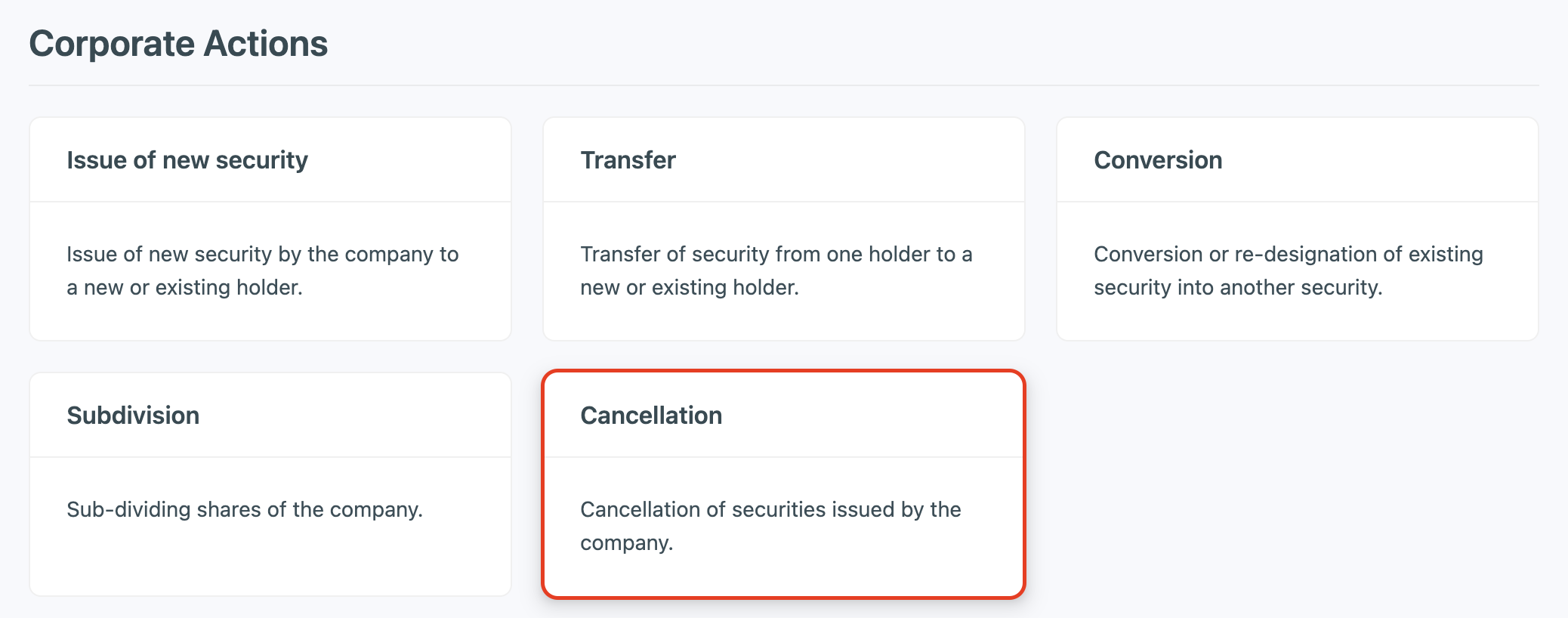
① Click on +Add → Transaction, then select Cancellation.
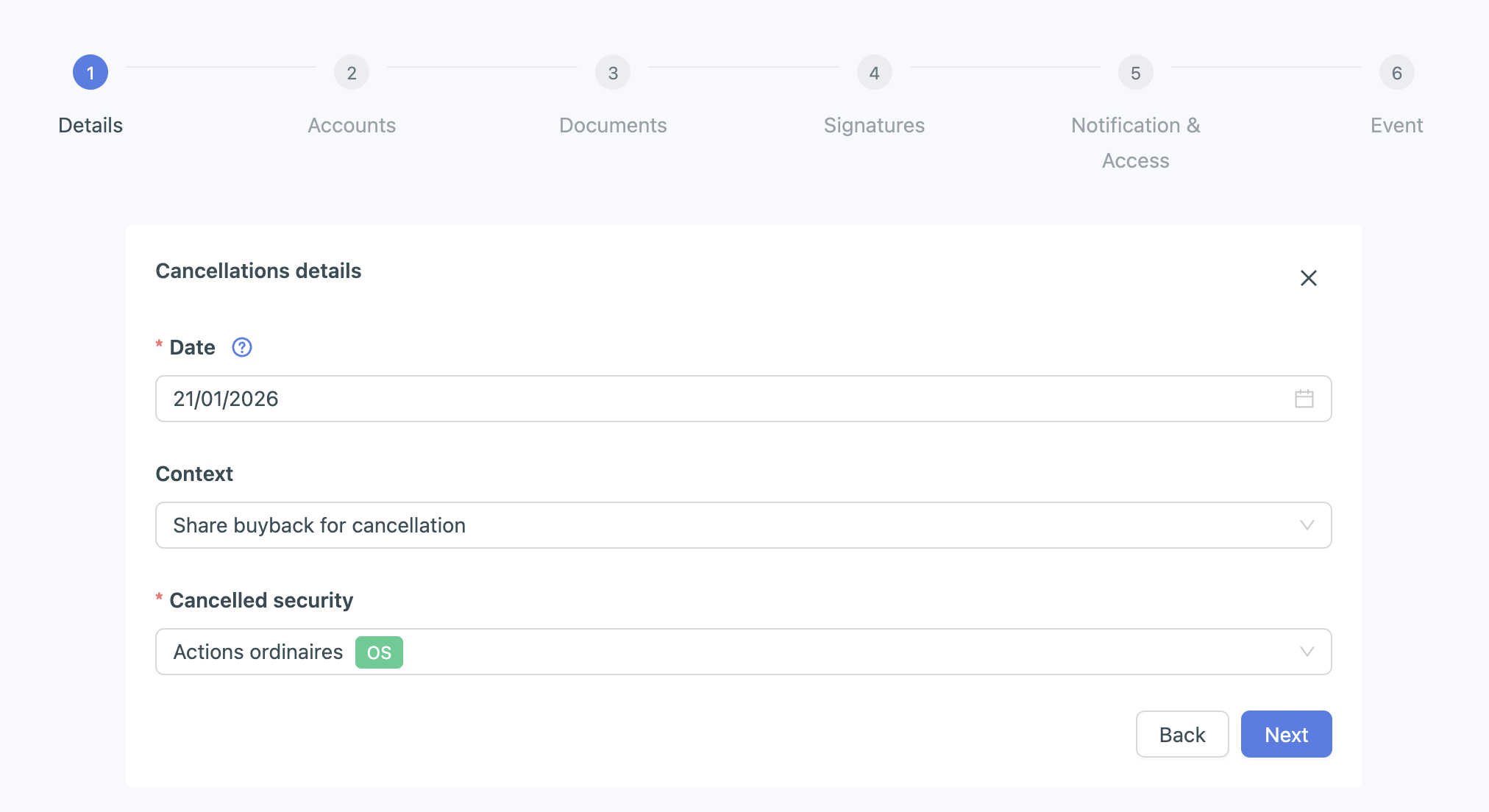
② Enter the cancellation date, the context, and the security concerned.
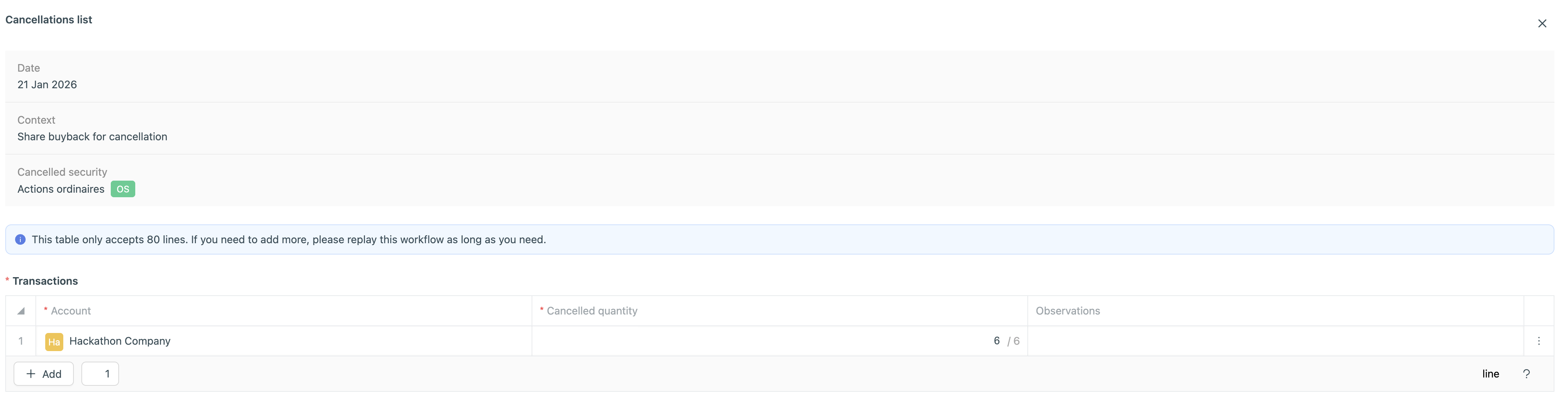
③ Enter the account or accounts from which the securities are being cancelled, the quantity cancelled, and any comments (optional):
③ Add the documents related to the cancellation transaction (optional).
If no document requires a signature, simply click Next at the signature step.