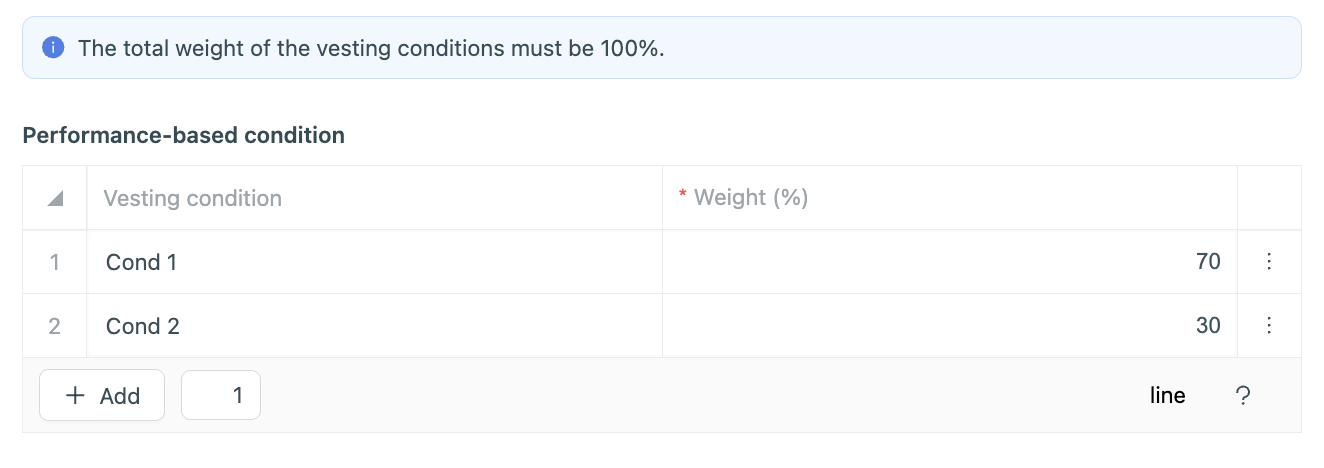
⚠️ Before linking a vesting to your security, you must first create the relevant vesting(s). You can follow this guide: How to create a vesting?
① Create a new security by clicking on +Add > Securities, or directly from the Securities tab.
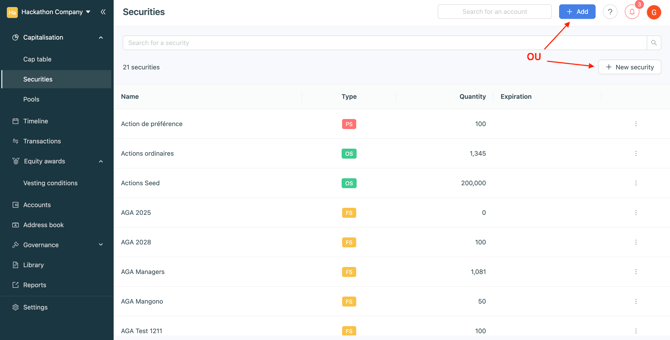
② Enter the security parameters
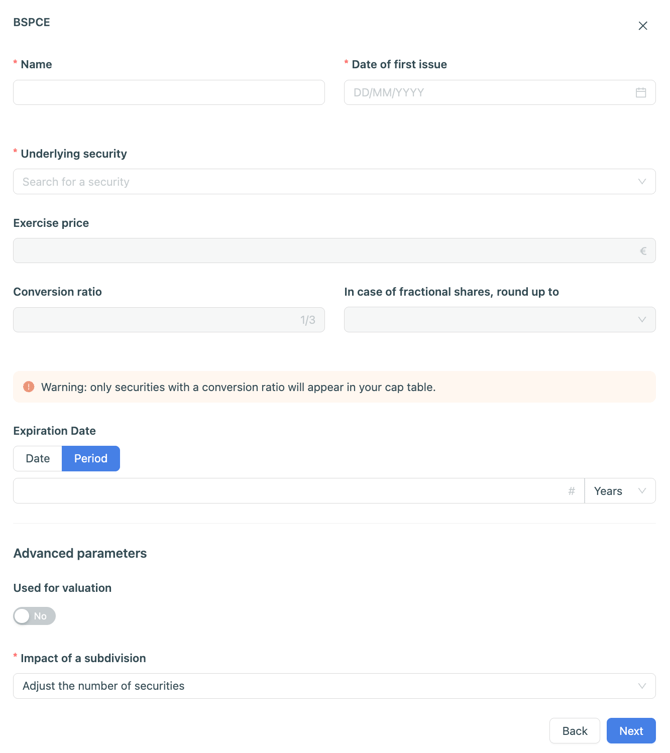
③ Choose the vesting to link to the security
Once the condition has been selected, click Next.
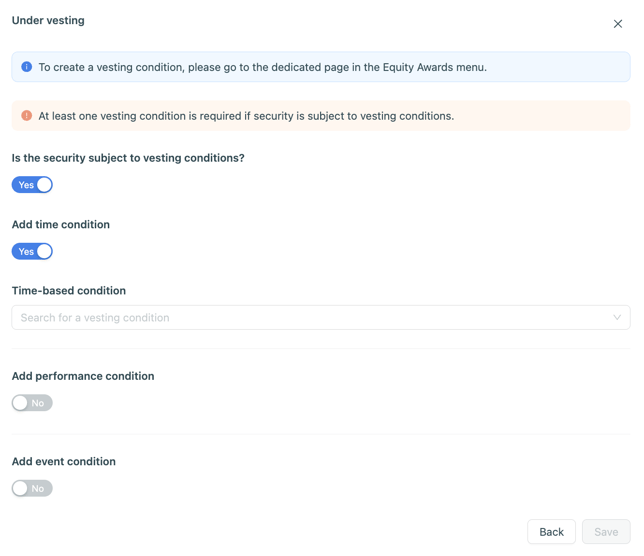
If the security has a multi‑trigger vesting, you can add performance and event‑based conditions.
⚠️ If you add performance conditions, you must specify the vesting percentage linked to each objective. The total of all objectives must equal 100%.