
① Create the vesting conditions
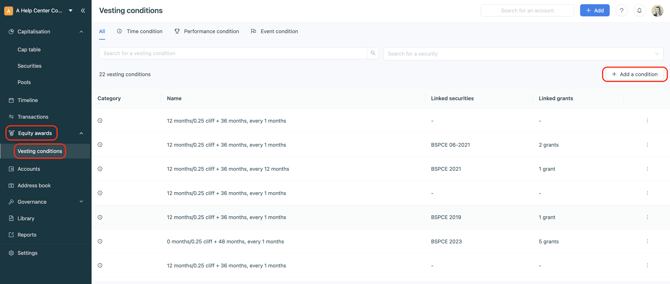
Go to Equity Awards > Vesting Conditions > +Add a condition.
② Set up the different vesting conditions
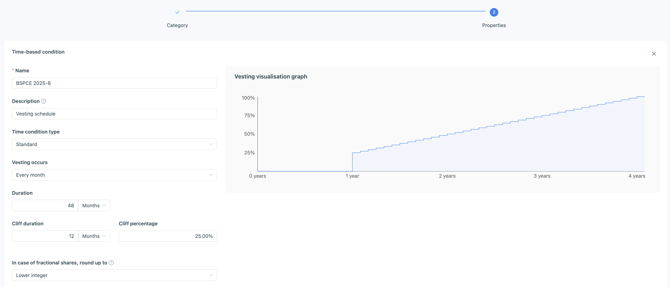
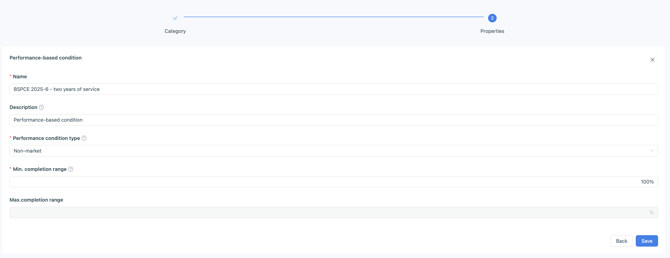
In the example below, we choose to create two vesting conditions:
-
A time-based condition with a standard vesting schedule
-
A performance condition: 2 years of presence in the company
③ Create the security and link the relevant conditions
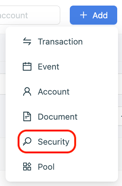
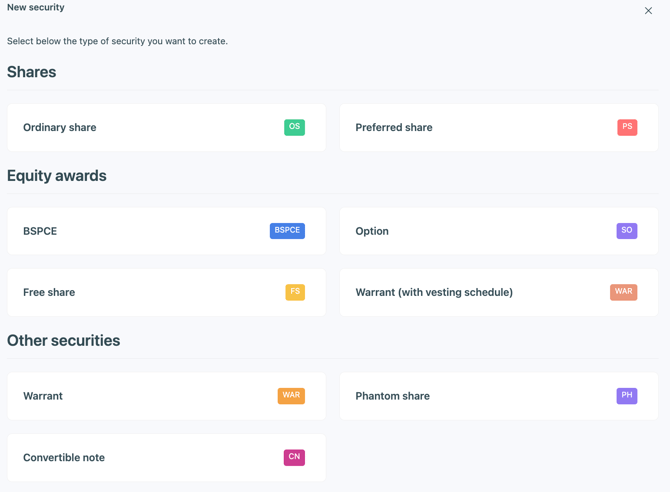
Click +Add > Security:
Choose the type of security you want to create and configure it:
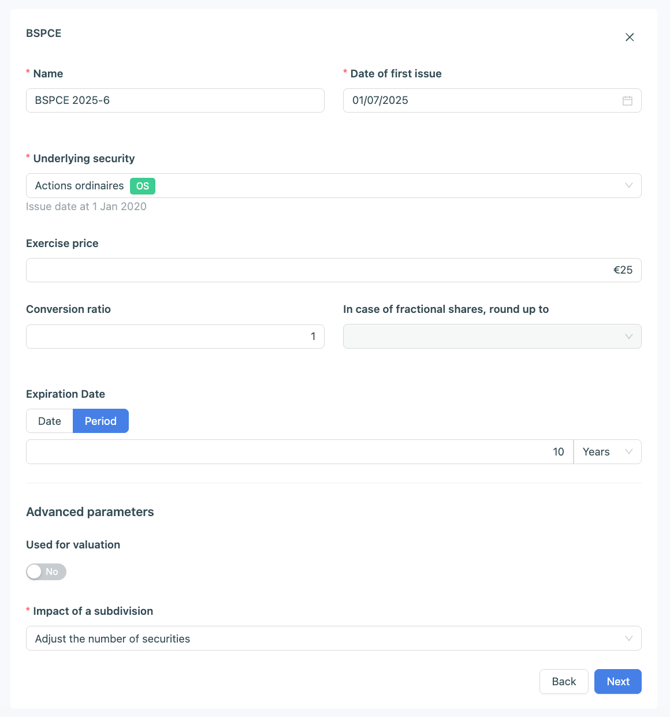
At the Vesting step, select the vesting conditions to link:
-
Indicate whether the security depends on a vesting condition
-
Choose the condition to link to the security
-
Choose the performance condition and its weight in the vesting

Click Save, then indicate whether there is an exercise window applicable in case of departure, and save the security.